- Recommended option
- Play without downloading
- Verified repository
- gorisanson/pikachu-volleyball
- GitHub Releases
- 0
- Latest main commit
- 2025-09-21
- Checked
- August 13, 2026
- Installer size
- Not published
- GitHub tags
- 0
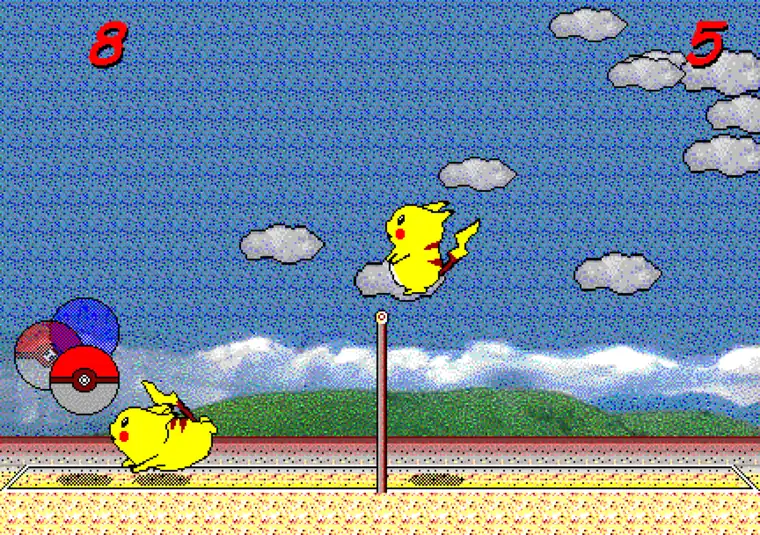
The safest way to play Pikachu Volleyball
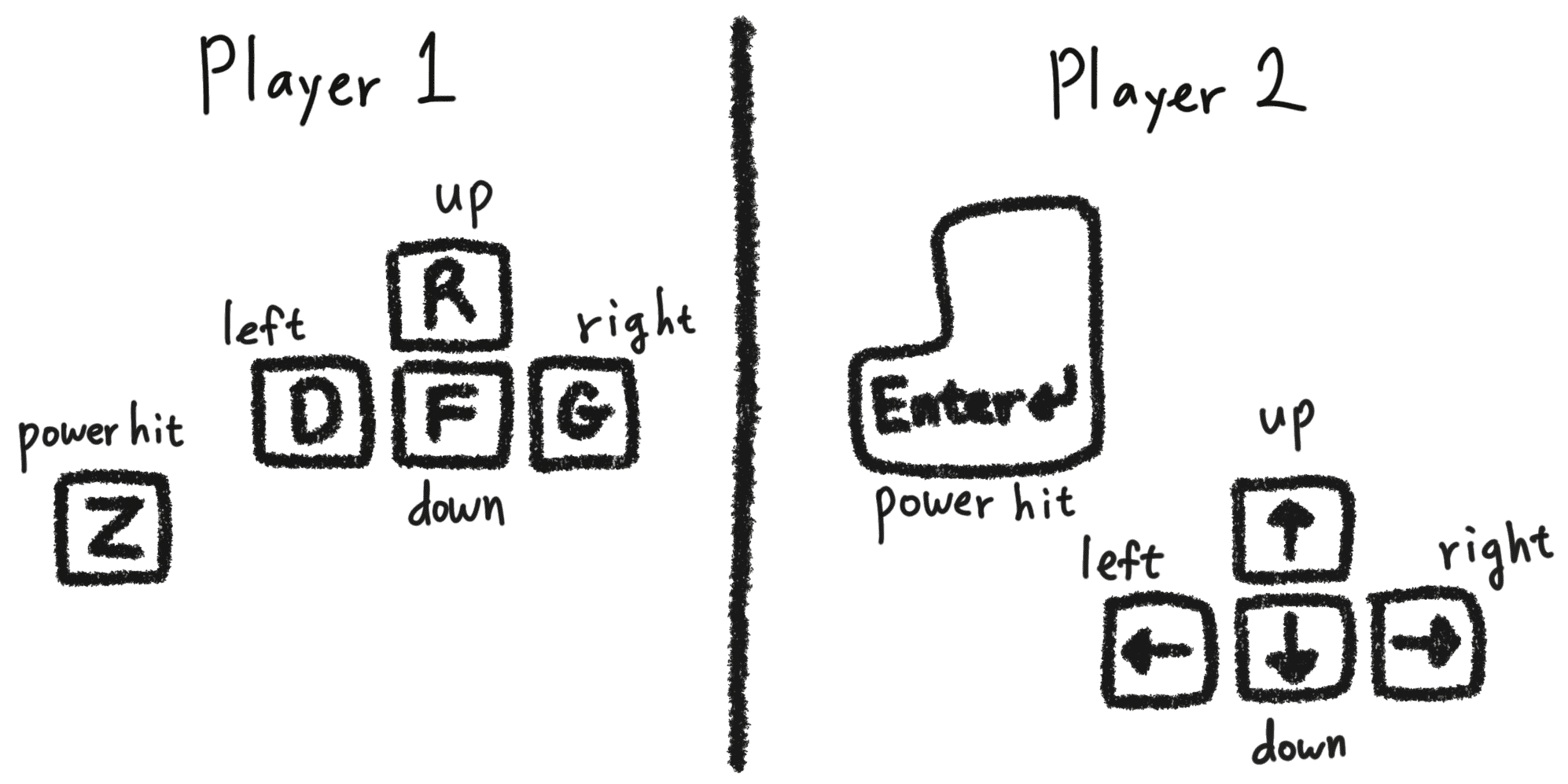
For ordinary play, open the browser game first. It requires no installer, administrator access, package name, or separate update process. The desktop keyboard remains the most reliable control method.
Be cautious when a third-party page promises a latest version, portable EXE, or security scan without a traceable publisher. This site does not redistribute an executable that it cannot verify.
- Browser
- GitHub
- 2026-08-13
Browser build vs source ZIP vs old Windows EXE
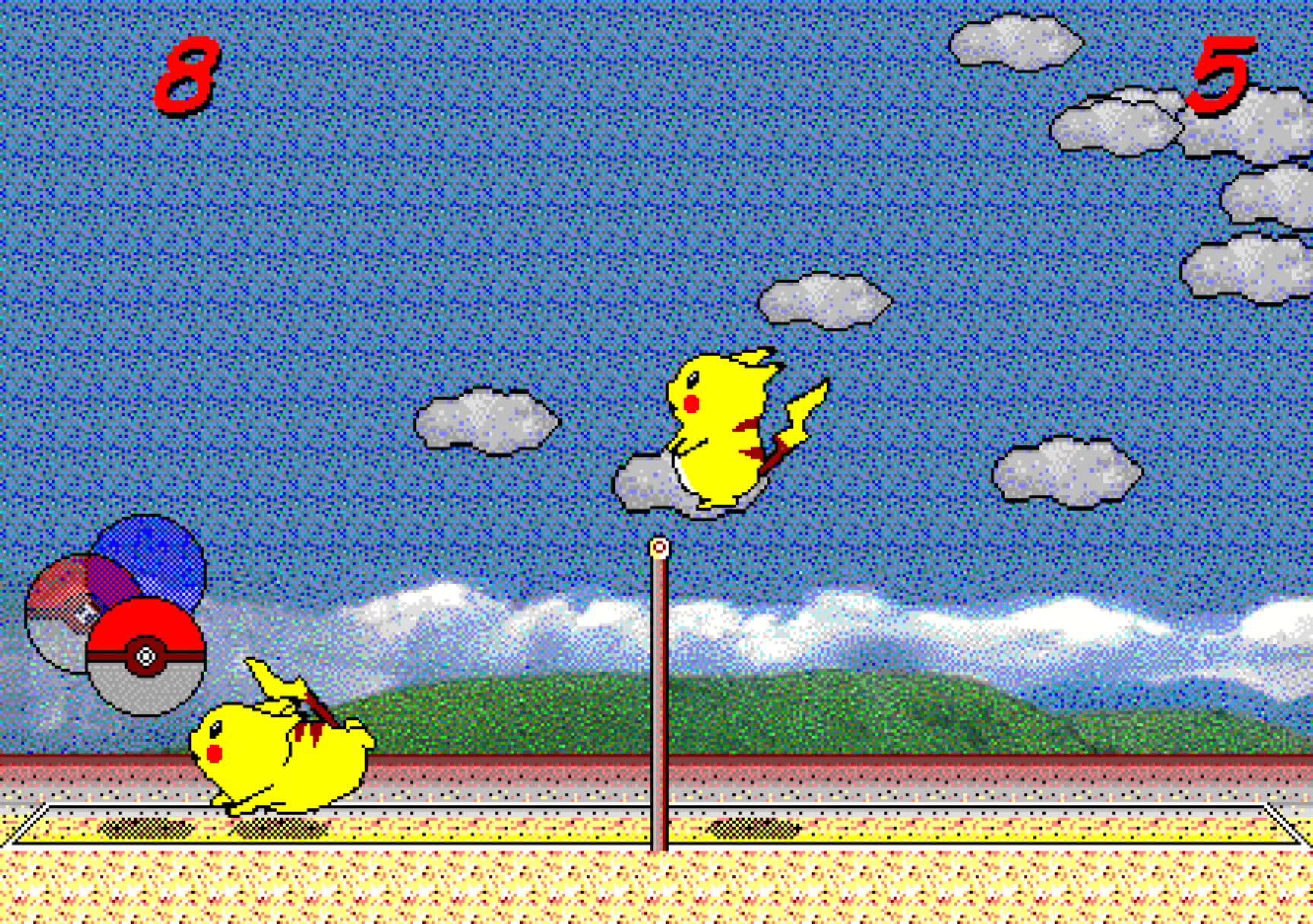
The browser edition is a JavaScript reimplementation. GitHub Download ZIP contains the source tree for that web application; it is not a Windows setup wizard or a finished portable release.
Old executable mirrors require independent checks of publisher, checksum, license, and malware claims. A familiar filename or screenshot is not proof that a file is official. Browser play avoids most of that uncertainty.
- Browser
- GitHub
- 2026-08-13
How to download and run the GitHub source
Developers can clone the verified repository or download the main-branch source archive. Read the current README.md and package.json before using Node.js and npm because dependencies and commands can change.
The repository has no public Releases or Tags, so the source ZIP must not be labeled the latest official installer. Confirm the owner, branch, recent commits, dependency files, and local development command before building.
- Browser
- GitHub
- 2026-08-13
Mobile, Chromebook, and download safety
On mobile, use the browser, landscape orientation, and a Bluetooth keyboard when possible. The verified repository does not establish an official Android APK, iOS app, or ChromeOS package. Chrome can install the page as an app, while mobile browsers can add it to the Home Screen for offline use.
Before downloading any copy, check the URL, publisher, file type, release history, version, date, and size evidence together. Project status can change, so review GitHub again immediately before use.
- Browser
- GitHub
- 2026-08-13