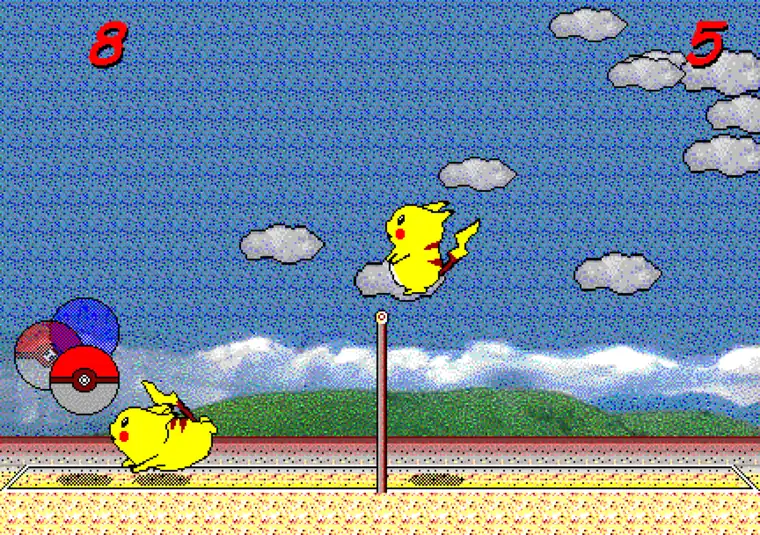
- Repository
- gorisanson/pikachu-volleyball
- Default branch
- main
- Implementation
- JavaScript + webpack
- GitHub releases
- No published releases
- Latest commit checked
- September 21, 2025
- Checked
- 2026-08-07
Which Pikachu Volleyball GitHub repository is relevant?
The repository named gorisanson/pikachu-volleyball describes itself as a JavaScript reimplementation created by reverse engineering the original game. Its linked GitHub Pages build is also the leading destination for the core Pikachu Volleyball search in Similarweb data.
Use the repository page when you want source code, issue history, commits, or build instructions. Use this site's homepage when you simply want to play, and the controls guide when you need keyboard help.
What is inside the source tree?
The root contains package.json, webpack configuration files, and the src directory. That structure indicates a browser application built from source rather than a single mystery executable.
Start with package.json to see available npm scripts, then inspect src to follow game logic, input handling, rendering, sound, and language resources. The tree below is a reading map, not a promise that every module keeps the same responsibility forever.
pikachu-volleyball/
├─ src/ game source modules
├─ package.json npm scripts and dependencies
├─ webpack.common.js shared bundler settings
├─ webpack.dev.js local development build
└─ webpack.prod.js production build
How to run the project locally
Clone or download the repository from GitHub, install a current Node.js environment, run npm install, and then use the development script defined in package.json. Always read the repository's current README and scripts before running commands because dependencies and script names can change.
A local build is useful for code study and experiments. It is not required for normal play: the browser build works without installing the development toolchain.
- Check the repository URL before cloning.
- Read README.md and package.json.
- Install dependencies only from the cloned project directory.
- Run the documented development command.
- Open the local URL printed by the development server.
Does GitHub provide a latest downloadable release?
No GitHub Releases were published when this page was checked on August 7, 2026. The repository is source-first, so a green Code button or source archive should not be described as an official Windows installer or a verified latest game package.
If you only want to play, use the linked browser build. If you need source, use the main branch and review the latest commit. Do not trust third-party pages that invent version numbers, file sizes, signatures, or safety-scan claims without verifiable evidence.
Repository safety, licensing, and attribution
GitHub visibility does not automatically grant every reuse right. The repository currently exposes no SPDX license through the GitHub API, so review the files and contact the author before redistributing code or assets beyond what applicable law and repository terms allow.
The project is a fan-made JavaScript reimplementation and is not an official Nintendo or Pokémon release. Keep attribution precise, distinguish the original game from the browser port, and never present a community build as official software.
Where this guide fits on the site
This page targets source-code and repository intent. It does not replace the homepage's play-online intent, the controls guide, the mobile setup guide, the online/P2P comparison, or the AI edition notes.
Use partial-match internal anchors such as Pikachu Volleyball GitHub, JavaScript source code, or browser port repository when linking here from relevant technical paragraphs.