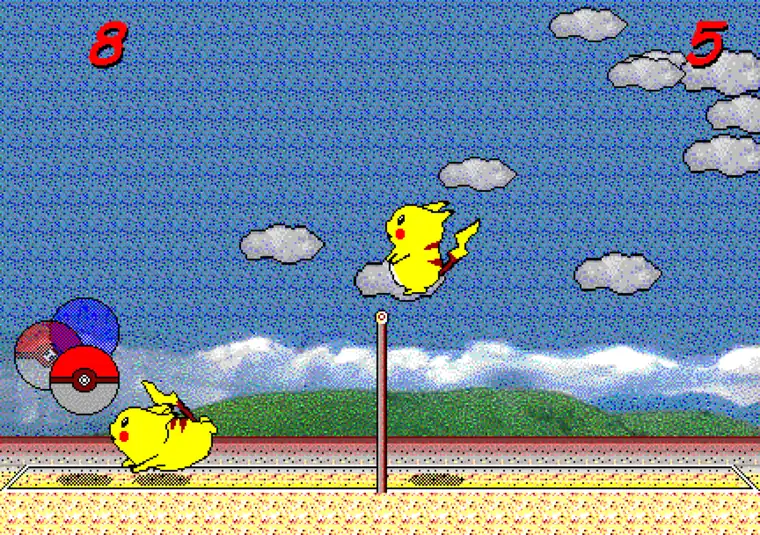
- Best route
- Browser + keyboard
- Install required
- No for browser play
- Source package
- package.json 1.0.10
- Checked
- August 7, 2026
Pikachu Volleyball PC: quick answer
If you want Pikachu Volleyball on a PC, open the browser version first. It is the clearest route for a current Windows or Linux desktop because it avoids an unknown installer, keeps the game playable without a separate package, and gives you the same compact one-on-one court that the site documents elsewhere. The main requirement is a keyboard that the browser can pass to the game frame.
This page is a PC compatibility and setup guide, not another download page. The download guide handles source safety, the GitHub guide explains the repository, and the controls guide covers every key. Here, the useful decision is simpler: use the browser for ordinary play, use the source tree only when you want to study or build it, and treat old EXE mirrors as unverified unless a first-party source proves otherwise.
- Open the browser game on a desktop-sized screen.
- Click inside the game frame before pressing a key.
- Use a physical keyboard for movement, jumping, and menu selection.
- Choose the official source page instead of an unknown executable when you need code or build details.
Choose the right PC route
The phrase Pikachu Volleyball PC can describe three different tasks. Most players mean “play it on my computer now,” while developers may mean “download the source and run the project locally.” A third group is looking for the 1997 Windows executable. Those routes should not be blended because they have different evidence and different setup costs.
Use the matrix below before downloading anything. It keeps the browser experience separate from a source checkout and from a historical file that may have no trustworthy publisher trail.
| What you want | Recommended route | What to expect |
|---|---|---|
| Play a match now | Browser version | No installer; keyboard and browser focus matter |
| Study or build the remake | Official GitHub source | Node.js, npm, README, and current scripts |
| Find the old Windows EXE | Historical research only | Publisher, checksum, license, and safety evidence may be missing |
| Play on a phone | Mobile guide | A Bluetooth keyboard is more practical than touch-only input |
Set up the browser version on a PC
Start with a current desktop browser and a stable window size. Open the home page, wait for the title screen inside the game area, then click or tap the frame once. That focus step is easy to miss: the page can look ready while the keyboard is still controlling the browser instead of the game. Test a menu key before starting a full match.
Fullscreen is useful when the court feels small, but it does not replace keyboard focus. Enter fullscreen after the game is visible, then click the frame again if the keys stop responding. If the browser blocks sound until the first interaction, use the same click as the gesture that starts the session.
- Use a desktop browser with the game page open in its own tab.
- Wait for the title screen rather than pressing keys during loading.
- Click the frame, test Z or Enter, and only then begin a match.
- Use fullscreen for visibility, not as a substitute for input focus.
Keyboard controls matter more than PC hardware
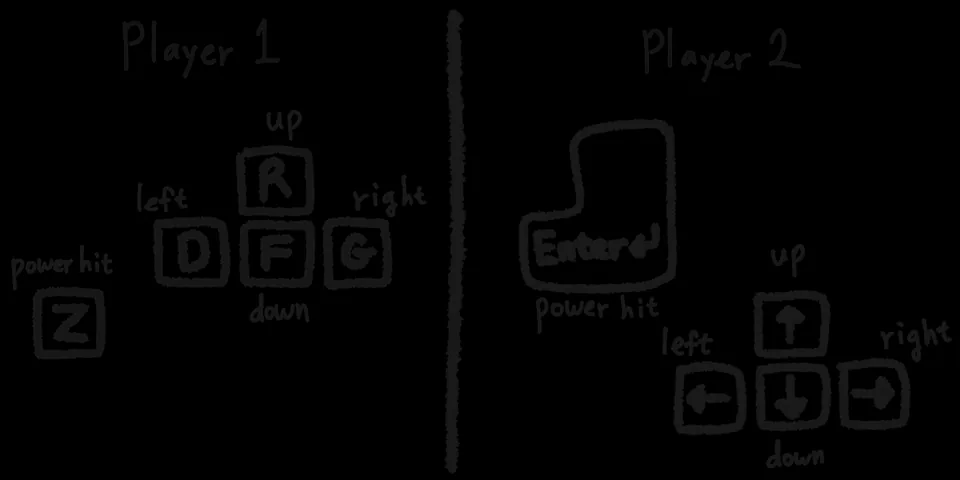
Pikachu Volleyball is light enough for ordinary desktop hardware. The important PC choice is the input device, not a powerful graphics card. A physical keyboard makes directional movement, jumping, menu selection, and power hits easier to repeat. If two people share the same computer, check the player mapping before the first rally so both sides know which keys belong to them.
The controls page is the authoritative on-site explanation for the key layout. On this PC page, use the screenshot as a quick visual reminder, then open the full guide for one-player practice, two-player setup, the extra V key, and the Esc menu shortcut.
Browser remake versus the old Windows game
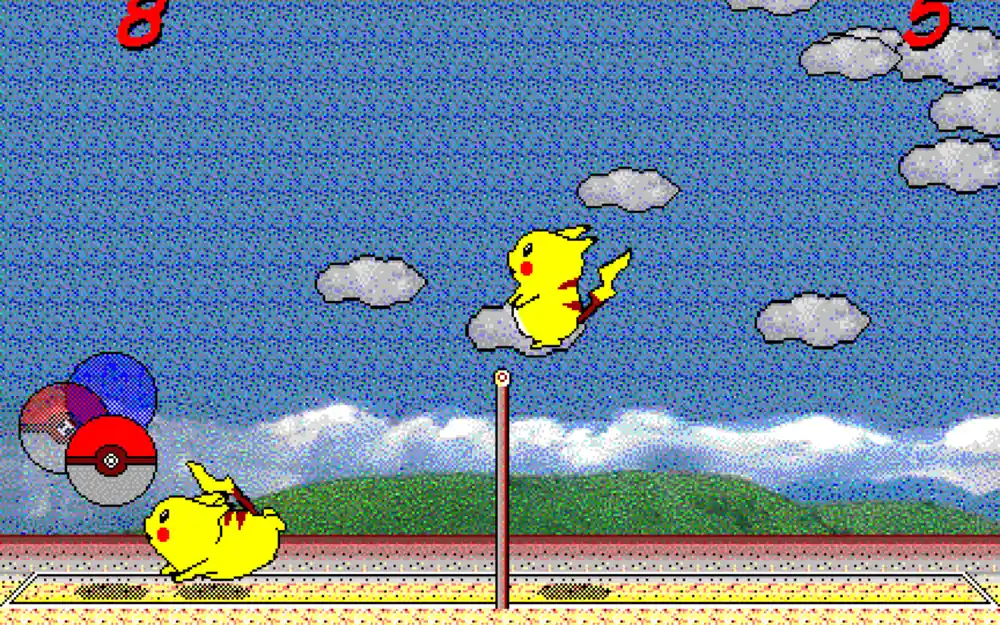
The browser edition is a JavaScript reimplementation of the classic game, not the original Windows executable copied into a page. That distinction is useful on PC: the browser route has a clearer source trail and avoids asking you to trust a random EXE mirror. It also means that browser behavior, input focus, audio permissions, and fullscreen controls are part of the experience.
If your goal is nostalgia for the 1997 release, read the history page for the original-game context. If your goal is simply to play a short match, the browser version is the lower-friction choice. Do not assume that a file named “latest,” “portable,” or “full version” is official without a first-party release record.
Source and version status checked on August 7, 2026
The first-party repository currently exposes a package.json version of 1.0.10. That is source metadata, not proof of a packaged Windows installer. The repository metadata also shows a main branch and a current project update, while the checked API response returned no public Releases or Tags. For ordinary PC play, use the browser page; for development, inspect the repository README and package scripts before installing dependencies.
Because there is no verified release asset, this guide does not provide a guessed EXE, APK, ZIP, file size, checksum, or malware-scan claim. The official repository and its browser build are the appropriate fallback links. Recheck those first-party pages when you need current source or release information.
- Source package metadata checked: 1.0.10.
- Public Releases checked: none returned.
- Public Tags checked: none returned.
- Installer file and stable direct download URL: not verified.
PC troubleshooting checklist
If the game is visible but does not move, click the frame again and confirm that the browser tab is active. If the title screen is not visible, wait for the embedded page to finish loading before testing keys. If the court is too small, use fullscreen or reduce surrounding browser zoom without changing the game itself.
For missing audio, interact with the page once and check the browser tab or site permission. For a second player, use the controls guide to confirm the shared keyboard mapping. If you are trying to run the source locally, stop treating that as ordinary play: read the current README, install the documented dependencies, and expect the build process to change over time.
- No movement: restore frame focus.
- No title screen: wait for loading and check the browser console only if you are debugging.
- Small court: use fullscreen.
- No sound: interact with the page and check browser permissions.
- Source build problem: follow the repository's current README rather than an old tutorial.
Which page should you read next?
Choose the next page by the problem you actually have. The homepage is for immediate play, controls is for keyboard questions, mobile is for small screens and Bluetooth keyboards, online is for the P2P distinction, and download is for source and executable boundaries. Keeping those roles separate makes the PC guide useful without turning it into a duplicate homepage or a second download page.
If you only want a short match, return to the browser game. If you want a technical project, use the official source links above and verify the current repository state before cloning or building.