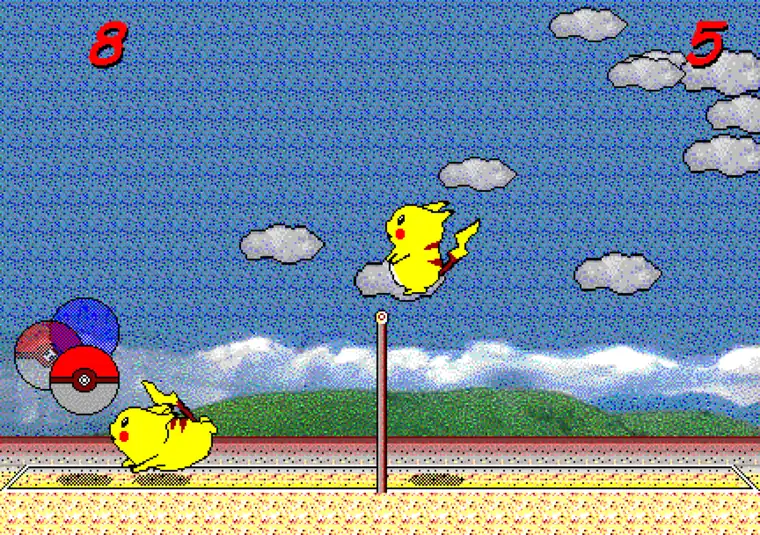
Pikachu Volleyball Online 2-Player: a 60-second setup check
Before starting Pikachu Volleyball Online 2-player play, decide whether both players will share one device or connect from different locations. If you can share one keyboard, the basic browser version is the simplest route. If you need a remote match, read the related P2P guidance instead; the homepage game does not automatically create a network room.
Run a short input test before a serious match. Click the game frame, confirm that the menu responds, and check that both players can move and jump without one input cancelling the other. If only one side responds, fix focus or keyboard conflicts before changing versions. Fullscreen and a stable keyboard also make long local sessions easier.
This distinction keeps the online search intent clean: browser play means start quickly, local two-player means share a keyboard, and P2P means investigate a separate network route. Use the controls and multiplayer guides when the next question is about key mapping or a detailed match setup.
- Same keyboard: start with the basic browser game.
- Different locations: read the P2P route first.
- Before a match: test both sets of inputs.
- If keys fail: restore game-frame focus.
- For key mapping: open the controls guide.
Basic browser play
The homepage provides the basic browser version of Pikachu Volleyball. It is best for instant play, solo matches against the computer, and local two-player games on the same keyboard.
There is no installation step and no need to search for old executables.
- Runs in the browser
- No download required
- Good for solo and local two-player play
- Keyboard recommended
What is the P2P online version?
The P2P online version is a related project for network play. It may depend on browser permissions, connection quality, and network setup.
This site keeps the basic game playable here and explains P2P play separately so users can choose the version they actually want.
Browser version at a glance
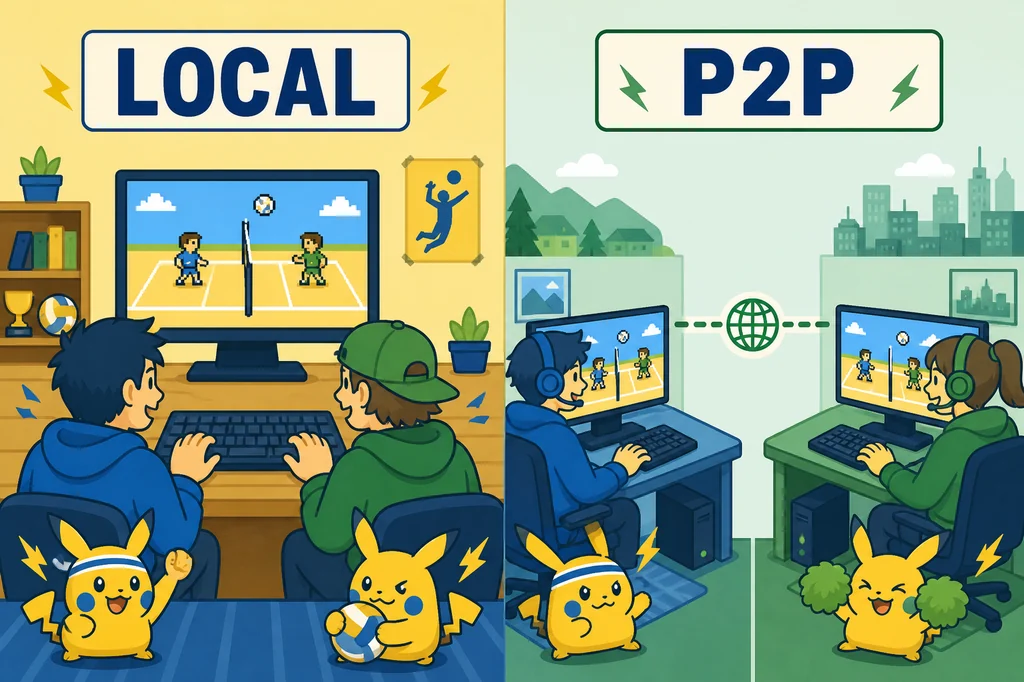
The Pikachu Volleyball Online browser version is the fastest path for users who want to play first and read later. It opens directly in the homepage game area, does not require an old executable file, and works well for solo practice or local two-player matches on the same keyboard. That is the main meaning of Pikachu Volleyball Online on this site.
Understanding the Pikachu Volleyball Online browser version helps separate instant play from network play. The browser version is about fast access, keyboard controls, fullscreen play, and basic rallies. It is not the same thing as a remote multiplayer room. When a user wants the classic game quickly, the browser version is the right starting point.
- Pikachu Volleyball Online browser version: opens from the homepage.
- Pikachu Volleyball Online browser version: no download required.
- Pikachu Volleyball Online browser version: good for solo and local two-player play.
- Pikachu Volleyball Online browser version: keyboard input is recommended.
How the P2P route differs
The Pikachu Volleyball Online P2P difference is mainly connection style. The basic browser game runs in one page and supports immediate play on the current device. A P2P online version is for users who want to connect with another player over a network. Both are related to the same game, but they solve different problems.
The Pikachu Volleyball Online P2P difference also affects reliability. Network play can depend on browser permissions, connection quality, latency, firewall behavior, and the setup used by both players. The basic browser version is simpler because it avoids that connection layer. This page keeps the difference clear so players do not expect remote multiplayer from the wrong version.
- Basic browser game: easiest for instant play.
- P2P version: intended for remote network matches.
- Basic browser game: best for local keyboard play.
- P2P version: may require additional connection setup.
Before you start playing
The Pikachu Volleyball Online play checklist starts with the game frame. Confirm that the title screen is visible, click inside the frame for keyboard focus, test Z or Enter in the menu, then test movement and jump. These steps prevent the most common problem: the page is open, but the game is not receiving keyboard input.
The Pikachu Volleyball Online play checklist is also useful on mobile and tablet devices. If the screen is small, use fullscreen mode. If the keyboard does not respond, tap the frame again. If you want to learn timing before a real match, open the controls guide after the first rally. This checklist keeps the basic version practical instead of confusing.
- Check that the game frame has loaded.
- Click or tap the game frame for focus.
- Test menu selection before starting.
- Use fullscreen if the play field feels small.
Choosing two-player play
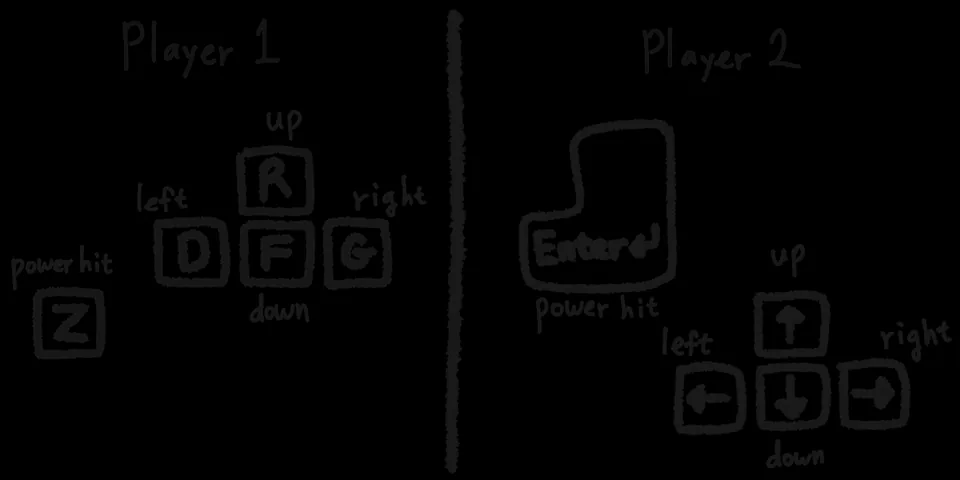
Pikachu Volleyball Online two-player choice depends on whether both players are in the same place. If two people can share one keyboard, the basic browser version is enough for local two-player play. If the players are in different locations, they should read about the P2P online version instead of expecting the homepage game to create a network match automatically.
Pikachu Volleyball Online two-player choice also depends on skill level. Beginners should start with local or solo play because the controls and jump timing matter more than connection features. Once both players understand the controls, they can decide whether remote P2P play is worth exploring.
- Same keyboard: use the basic browser version.
- Different locations: look for P2P online guidance.
- New players: learn controls before remote matches.
- Long sessions: use fullscreen and a comfortable keyboard.
Safer access without an installer
Pikachu Volleyball Online safe access means avoiding unclear downloads when a browser version is enough. Many people search for old game files, but a browser page reduces the need to run unknown executables. This site focuses on playable browser access and separates related versions such as P2P online and AI edition notes.
Pikachu Volleyball Online safe access also means honest labeling. The basic browser version should be described as the basic browser version. The P2P version should be described as a related network-play option. The AI edition should be described separately. Clear labels help players choose the right page without confusing a fan hub with an official download source.
- Use the browser game when instant play is enough.
- Avoid unclear executable downloads.
- Read version notes before leaving the site.
- Use related pages for controls, mobile play, and AI notes.
Choose the right route
The Pikachu Volleyball Online decision flow is simple: play the basic browser game first, read the controls guide if keys feel confusing, use mobile tips if you are on a phone or tablet, and check the AI page if you want a stronger computer opponent. This structure matches the way most players search: they want to play immediately, then solve the next problem only if it appears.
The Pikachu Volleyball Online decision flow keeps the page useful for both players and search engines. The homepage owns the playable experience, this page explains online-version meaning, the controls page handles keyboard input, and the mobile page handles device setup. Each page has a clear job, so internal links feel helpful rather than forced.
Use the Pikachu Volleyball Online decision flow whenever the word online feels ambiguous. If online means play now, use the homepage. If online means remote multiplayer, read the P2P notes. If online means mobile browser play, read the mobile guide. That small distinction keeps the search path clean and gives every player a practical next step.
- Play now: use the homepage game area.
- Controls problem: read the controls guide.
- Phone or tablet: read the mobile guide.
- Harder computer opponent: read the AI notes.
Quick decision checklist
The Pikachu Volleyball Online play choice checklist helps you decide whether to open the homepage, read controls, use mobile tips, or compare AI notes. One search term can mean several different tasks.
Use the checklist before looking for downloads. If you want instant play, stay with the browser game. If you want remote multiplayer, read the P2P explanation. If you want difficulty, use the AI page.
This final checklist keeps Pikachu Volleyball Online practical: choose the route that matches your real goal before opening extra pages or searching for downloads.
- Instant play: homepage
- Remote play: P2P notes
- Small screen: mobile guide
- Harder rival: AI guide