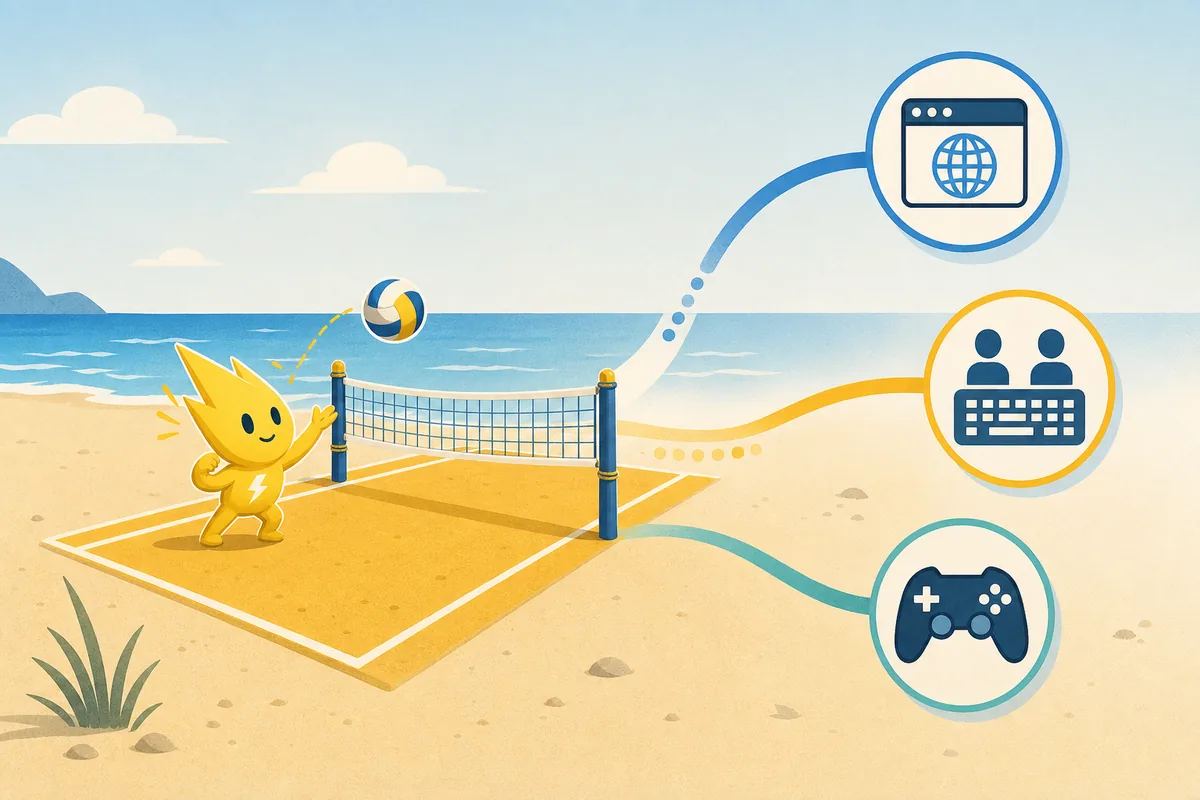
- Best instant play
- Browser game
- Best local choice
- Shared keyboard or controllers
- Best PC discovery
- Check official store listings
- Important note
- Alternatives are independent games
Quick answer: which Pikachu Volleyball alternative fits you?
The right Pikachu Volleyball alternative depends on what you are trying to preserve. If the appeal is a fast match with almost no setup, stay with the browser version or look for a small arcade game. If the important part is playing with another person in the same room, prioritize local multiplayer before graphics or roster size. If you want a deeper PC sports game, expect a different pace, more menus, and a larger commitment.
This page treats alternatives as nearby choices, not replacements that reproduce the same physics. The five examples below cover quick arcade play, beach-volleyball simulation, a fuller PC sports presentation, anime-styled competition, and a turn-based volleyball idea. Platform availability, price, online support, and store status can change, so use the linked official listing for the current details.
For most visitors, the simplest order is: play Pikachu Volleyball first, decide what feels missing, then choose one alternative that solves that specific problem. That prevents a broad search for volleyball games from turning into an accidental download or purchase decision.
- Want the shortest route to a rally? Choose browser or arcade play.
- Want a same-room match? Look for local multiplayer and controller support.
- Want a larger sports game? Compare simulation depth and current PC availability.
- Want a different idea? Try a stylized or turn-based volleyball format.
Start with the match style, not the game name
A useful comparison starts with the player's decision rather than a list of titles. Pikachu Volleyball is compact: one court, one ball, short rallies, and a small control set. Other games may add teams, character progression, online rooms, career systems, or simulation rules. Those additions can be valuable, but they also change the reason to play.
Use the following map before opening an external store page. It separates the page's three practical routes: instant browser access, social local play, and a fuller PC game. The third route is where the Similarweb opportunity around volleyball game PC and volleyball computer games is broad enough to support a comparison article, but it should not be confused with a brand-specific Pikachu Volleyball query.
| What you want | Best direction | What to check |
|---|---|---|
| Instant rally | Browser or small arcade game | Input focus, load time, and whether play starts immediately |
| Same-room match | Local multiplayer | Keyboard or controller support, player count, and shared-screen rules |
| More complete PC game | Simulation or team-based game | Current platform, purchase status, modes, and learning curve |
| A new interpretation | Stylized or turn-based volleyball | Whether you want real-time timing or strategy between plays |

Volley Pals: a natural first stop for local arcade play
Volley Pals is worth checking when the part you like most is a quick, social volleyball match rather than a historical recreation. Its official store listing is the place to verify the current player count, supported input, and platform details. The useful comparison is about energy and setup: a small arcade match can feel closer to Pikachu Volleyball than a serious simulation even when the rules and characters are different.
Choose this direction if you want to hand a controller to another person and start experimenting quickly. Do not choose it because you expect the same Pikachu characters, exact ball behavior, or the same keyboard layout. Those are properties of the original browser experience, not a general requirement for a volleyball game.
Before installing or buying anything, open the official listing and check whether local play is still supported on your device. This page intentionally avoids a permanent price or version claim because store information can change.
- Good fit: short local matches and arcade energy.
- Not a fit: an exact Pikachu Volleyball remake.
- Verify: current player count, input support, platform, and price.
- Use the official store page for the current product information.
Volleyball Unbound: choose more beach-volleyball depth
Volleyball Unbound - Pro Beach Volleyball is a better direction when you want the sport itself to occupy more of the experience. The official listing positions it around beach-volleyball play, so the comparison is about a broader sports presentation rather than a tiny one-on-one arcade loop.
That difference matters for expectations. A deeper sports game may ask you to learn positioning, player movement, court space, and more systems before it feels comfortable. If you only want five minutes of Pikachu Volleyball, this can be too much. If you want to stay with volleyball while gaining a more deliberate match structure, it is a more relevant alternative than a random action game.
Check the current official listing for supported modes, multiplayer details, system requirements, and availability before making a decision. Treat the store page as the source of current product facts, and this article as the intent-matching guide.
- Good fit: beach-volleyball atmosphere and a fuller sports loop.
- Not a fit: instant access with the same tiny control set.
- Compare: pace, camera, court movement, and multiplayer setup.
- Verify: current platform and store status before installing.
Spike Volleyball: a fuller PC sports-game route
Spike Volleyball belongs in the comparison when the searcher means a PC volleyball game rather than a browser mini-game. It is presented as a larger indoor volleyball experience, so it answers a different question: what if you want teams, a more conventional sports-game structure, and more time spent learning the system?
The page fit is deliberately narrow. A visitor who searches for volleyball game PC may be browsing for a traditional game to install, while a Pikachu Volleyball fan may only want a similar two-player match. Those are not the same intent. Use this route only when you are comfortable with a larger game and are willing to verify modern compatibility yourself.
Because platform support, store availability, and technical requirements can change, this guide does not promise that an old listing will run on every current computer. Open the official store page, read the current requirements, and prefer a legitimate storefront over an unknown mirror.
- Good fit: a conventional PC sports-game presentation.
- Not a fit: a no-install browser session.
- Compare: team structure, controls, match length, and learning curve.
- Verify: system requirements and current store availability.
The Spike Cross and Beastieball: different interpretations
The Spike Cross is a useful option for players who want a more stylized, character-focused sports game. It is not a direct substitute for the small Pikachu Volleyball court; the appeal is a different presentation and a larger game loop. Check the official listing for the current platform and mode details before treating it as a local or online replacement.
Beastieball goes in an even more unusual direction by combining volleyball ideas with turn-based creature strategy. That makes it relevant to the phrase similar volleyball games, but only for a reader who is open to a game that is not built around the same real-time jump-and-hit timing. It is an alternative in theme and decision-making, not in controls.
These two examples show why a search result should not be judged by the word volleyball alone. A good match depends on the part of Pikachu Volleyball you want to keep: real-time timing, local competition, a bright character style, or simply the idea of a volleyball game.
- The Spike Cross: stylized, character-led sports direction.
- Beastieball: turn-based creature strategy with volleyball framing.
- Both are alternatives in concept, not browser ports.
- Check official listings for current modes, platform, and availability.
How to choose without wasting time
Start by naming the missing feature. If you are missing instant access, do not begin with a long PC simulation. If you are missing a same-room opponent, filter for local multiplayer first. If you are missing a richer career or team format, accept that the experience will move farther away from the compact Pikachu Volleyball loop.
Then confirm the practical details on an official page: platform, controller or keyboard support, player count, online requirements, current store status, and whether the game is still maintained. Do not infer these details from a screenshot, a search snippet, or an old video.
Finally, keep the original browser game available as a baseline. Playing one short rally before and after trying an alternative tells you whether you wanted a similar game or simply wanted a different feature.
- Step 1: choose instant, local, deeper PC, or unusual strategy intent.
- Step 2: verify platform, controls, players, and current store details.
- Step 3: compare the first five minutes of play, not only screenshots.
- Step 4: keep the browser remake as the no-download baseline.

If you still want Pikachu Volleyball itself
Alternatives are useful only when they solve a real problem. If you simply want the original compact rhythm, play the browser version here first. The controls guide covers keyboard focus and two-player setup, the online guide separates local play from related P2P projects, and the download guide explains why a verified browser or source route is preferable to an unknown old executable.
That internal path keeps the site's page roles separate: this page handles comparison intent, the homepage handles play, controls handles input, online handles version meaning, and download handles source safety. It also prevents a broad phrase such as volleyball computer games from replacing the more specific answer the visitor actually came for.